Introduction to the Selfie Mosaic
Defining the Concept of Selfie Mosaic
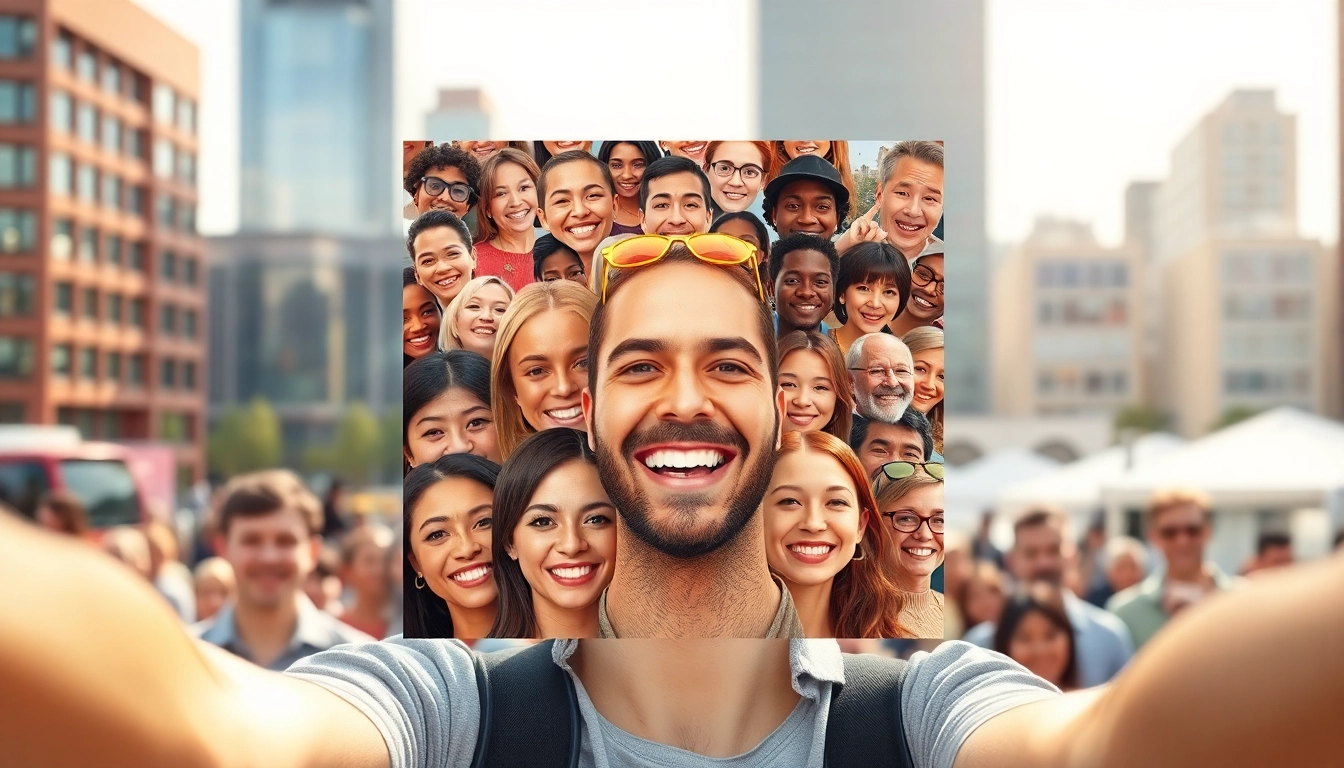
A selfie mosaic is a creative visualization technique that combines multiple individual selfies to create a larger, cohesive image. This art form not only showcases personal images but also tells a broader story or theme, connecting those perspectives through shared experiences. The result is a compelling visual collage that can embody a community, an event, or even an individual’s journey through life’s moments.
The Importance of Selfie Mosaics in Social Media
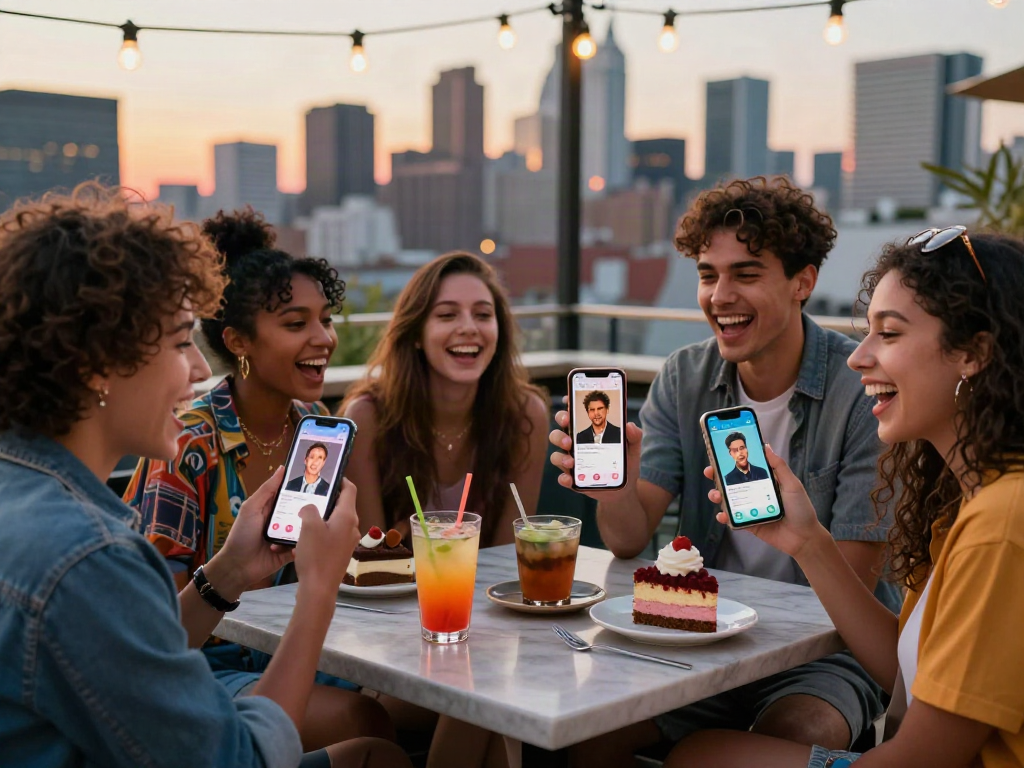
In today's world, social media platforms have become a digital gallery for self-expression. Selfie mosaics harness this trend by turning individual moments into a collective picture—perfect for storytelling or branding. They foster community engagement and encourage sharing, making them powerful tools for social media strategies. By aggregating various selfies into a single image, users can stimulate connection, spark conversations, and even promote campaigns, showcasing the vibrancy of their unique lives.
Key Elements of a Successful Selfie Mosaic
Creating a successful selfie mosaic requires careful consideration and planning. The main elements include:
- Photo Quality: High-resolution images are essential for maintaining clarity when the mosaic is rendered.
- Theme Cohesion: Choosing selfies that align with a particular theme can enhance the overall narrative of the mosaic.
- Composition: Thoughtful arrangement of the images to create a harmonious visual flow can lead to more aesthetically pleasing results.
- Color Schemes: Utilizing a consistent color palette across the selfies can unify the various images into a cohesive design.
Creating Your Selfie Mosaic
Choosing the Right Photos for Your Mosaic
The first step in creating a stunning selfie mosaic is selecting the right photos. Start by grouping images that share a common thread—these could be selfies taken during a specific event, those sharing similar emotional tones, or even photos that feature a particular subject matter. Remember, the more diverse the angles and expressions, the more dynamic and engaging the final mosaic will be.
Software Tools for Crafting Your Selfie Mosaic
There are numerous software tools available for creating a selfie mosaic. Consider the following options:
- Canva: Offers templates and intuitive controls for users at any experience level.
- Mosaic Maker: A straightforward tool specializing in photo mosaics with diverse customization options.
- Pic Collage: Ideal for those who want to combine mosaics with additional graphic elements and stickers.
- Adobe Photoshop: Offers advanced editing capabilities, allowing for deep customization and quality control.
Step-by-Step Guide to Assemble Your Mosaic
Follow these steps to create your selfie mosaic:
- Collect Your Selfies: Gather all selected images in a designated folder on your computer.
- Select Software: Choose your preferred mosaic-making tool from the list above.
- Upload Images: Import your selfies into the software, making sure to confirm resolution settings.
- Create the Mosaic: Use the tool’s features to arrange the selfies—consider layout patterns where the smaller images cumulatively form a recognizable image.
- Edit and Fine-Tune: Adjust contrast, brightness, and other parameters to ensure cohesiveness.
- Export the Final Image: Save your completed mosaic in a high-resolution format for optimal clarity.
Enhancing Your Selfie Mosaic Design
Color Theory and Composition Tips
To improve the visual impact of your mosaic, understanding color theory is crucial. Choose a dominant color that reflects the mood you're aiming to project. For instance, warmer hues create feelings of joy and energy, ideal for celebratory mosaics, while cooler tones can convey tranquility. Balancing colors through effective composition will ensure that the individual images complement rather than overpower each other.
Incorporating Textures in Your Mosaic
The use of texture can add depth and interest to your selfie mosaic. This can be achieved by layering images that feature varied backgrounds, fabrics, or natural elements like greenery and other outdoor scenery. Consider using a textured overlay, like paper or fabric patterns, that harmonizes with your photos, enriching the final product.
Adding Personal Touches for Uniqueness
Incorporating elements like handwritten quotes, personal messages, or symbols relevant to the theme can make your mosaic distinctively yours. These added features can foster a deeper connection with the audience, making the mosaic not just a collection of selfies, but a unique representation of memories and experiences.
Using Selfie Mosaics for Events and Campaigns
Creating Mosaics for Weddings and Celebrations
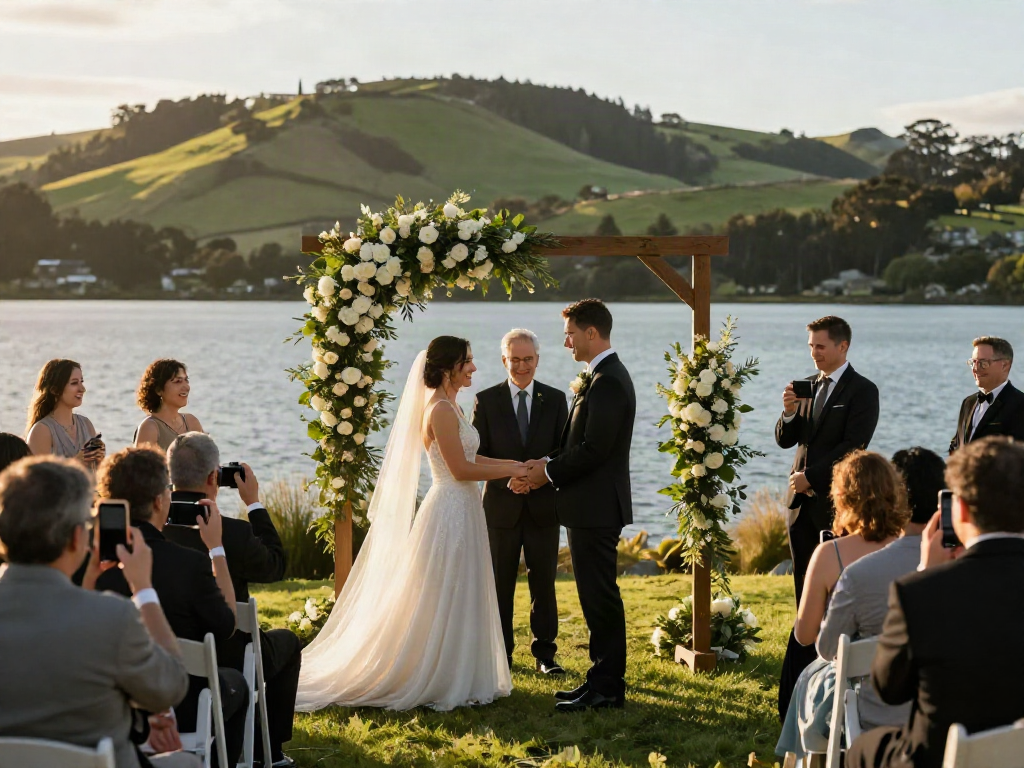
Selfie mosaics have found a niche in event planning, particularly for weddings, anniversaries, and other significant celebrations. For weddings, a mosaic composed of guests’ selfies taken throughout the event can serve as a beautiful keepsake, capturing the joyous atmosphere and multitude of emotions experienced during the day.
Leveraging Selfie Mosaics for Marketing Campaigns
In marketing, selfies have the power to foster engagement when used correctly. Brands can encourage customers to share their selfies using a specific hashtag, creating a pool of images that can then be transformed into a mosaic. This not only promotes brand visibility but also builds community and customer loyalty through participatory campaigns.
Examples of Successful Mosaic Implementations
Many organizations have utilized selfie mosaics effectively. Festivals often create large-scale mosaics that feature attendee images, showcasing participation and unity. Similarly, social movements have harnessed this trend to visually represent collective voices through impactful images, combining individual stories into a larger narrative for societal change.
Measuring the Impact of Selfie Mosaics
Understanding Engagement Metrics
To gauge the effectiveness of a selfie mosaic, it’s essential to monitor engagement metrics. Track likes, shares, comments, and overall reach on social media platforms. Higher engagement rates can indicate resonance with the audience, revealing insights into what types of images and themes captivate your community.
Analyzing User Feedback and Interaction
Engagement is not merely a numbers game; user feedback is invaluable. Actively solicit comments and thoughts regarding the mosaic from your audience. Consider what aspects they loved, which did not resonate, and gather constructive criticism to enhance future mosaic projects.
Optimizing Future Mosaics Based on Insights
Taking actionable insights from user feedback and analysis of previous mosaics is key to continuous improvement. Experiment with different themes, styles, and interactive elements in subsequent mosaics based on what garnered the most interest previously. Iteration ensures that each mosaic is tailored to your audience, enhancing both engagement and satisfaction.
FAQs
What is a selfie mosaic?
A selfie mosaic is a visual collage made from numerous selfies arranged in a way that creates a larger, cohesive image or pattern.
How can I create a selfie mosaic?
You can create a selfie mosaic using various online tools and software that allow you to upload photos, customize layouts, and generate the mosaic.
What are the best tools for making a selfie mosaic?
Popular tools include Canva, Mosaic Maker, and specialized mosaic software that offers templates and design options for customization.
Can selfie mosaics be printed?
Yes, selfie mosaics can be printed on various materials, including canvas, poster paper, or even fabrics for personalized gifts or decorations.
How can I use selfie mosaics for marketing?
Selfie mosaics can enhance marketing campaigns by creating engaging visuals that encourage social sharing and participation from the audience.